
How to Accept Credit Card Payments Online Using Your Smartphone as a POS
Indotribun.id – How to Accept Credit Card Payments Online Using Your Smartphone as a POS. In today’s digital-first world, customers expect convenience. This extends to how they pay for goods and services. For small businesses, freelancers, and even individuals selling items online, accepting credit card payments is no longer a luxury – it’s a necessity. Fortunately, you don’t need a bulky, expensive traditional Point of Sale (POS) system anymore. Your smartphone can now be your mobile payment processing hub, transforming it into a powerful, on-the-go POS. This guide will walk you through the process, ensuring you can seamlessly accept credit card payments online with your smartphone.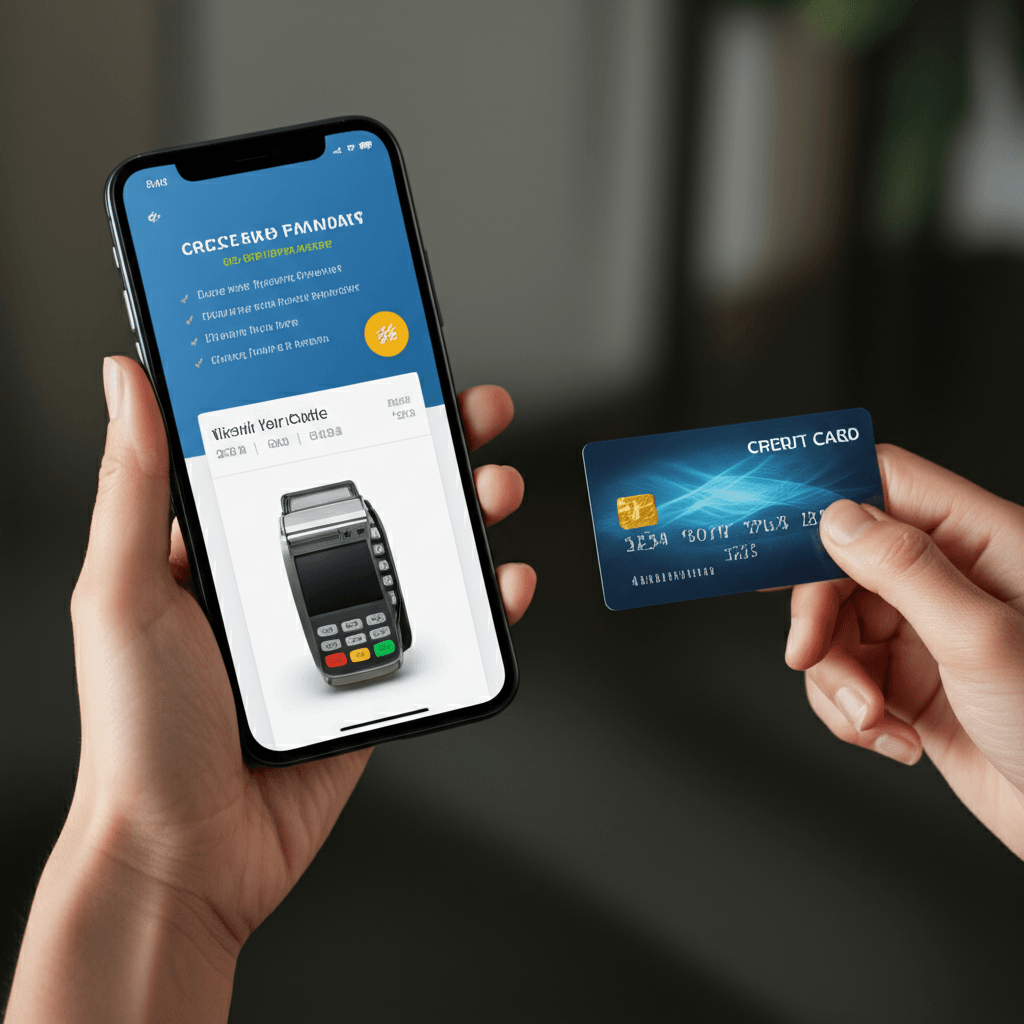
The rise of mobile payment apps and card readers has democratized payment processing, making it accessible and affordable for businesses of all sizes. Gone are the days of relying solely on cash or checks, which can be inconvenient and pose security risks. By leveraging your smartphone, you can expand your customer base, increase sales, and streamline your financial operations.
The Smartphone as Your Mobile POS: How it Works
At its core, using your smartphone as a POS involves a few key components:
- A Payment Processing App: This is the software that runs on your smartphone. It connects to your bank account, manages transactions, and generates receipts. Popular options include Square, PayPal Zettle, Stripe Terminal, and Shopify POS.
- A Card Reader (Optional but Recommended): While some apps allow for “card-present” transactions via manual entry (typing in card details), this is less secure and often incurs higher fees. A physical card reader that attaches to your smartphone (via Bluetooth or headphone jack) allows customers to swipe, dip (chip cards), or tap (contactless payments) their cards. These readers are typically affordable and readily available from your chosen payment processor.
- Internet Connectivity: A stable Wi-Fi or cellular data connection is crucial for processing transactions in real-time.
Steps to Accepting Credit Card Payments Online with Your Smartphone:
- Choose a Payment Processing Provider: This is the most critical first step. Research different providers based on their:
- Transaction Fees: These vary widely. Look for providers with transparent fee structures and competitive rates, especially for the payment methods you anticipate using most (e.g., swipe, chip, tap, online).
- Hardware Costs: While many providers offer free or low-cost card readers, compare the pricing and features.
- App Features: Consider ease of use, inventory management capabilities, customer relationship management (CRM) tools, and reporting features.
- Customer Support: Reliable support is essential if you encounter any issues.
- Integration with Other Platforms: If you use e-commerce platforms like Shopify or Etsy, check for seamless integration.
- Download the Provider’s App: Once you’ve selected a provider, download their dedicated mobile app from your smartphone’s app store (Apple App Store or Google Play Store).
- Set Up Your Account: Follow the app’s instructions to create your business account. This will involve providing your business details, linking your bank account for payouts, and agreeing to their terms of service. You may need to provide documentation for verification.
- Order Your Card Reader (If Applicable): If your chosen provider offers a physical card reader, order it through their app or website. They typically ship it directly to you.
- Connect Your Card Reader: Once you receive your card reader, follow the instructions to connect it to your smartphone. This usually involves pairing it via Bluetooth or plugging it into your phone’s charging port.
- Configure Your Products/Services (Optional but Recommended): Many POS apps allow you to create a catalog of your products or services, complete with descriptions, prices, and even photos. This makes checkout faster and more accurate.
- Start Accepting Payments:
- For In-Person Transactions: Open the app, select the item(s) being purchased, and have the customer swipe, dip, or tap their card on your connected reader.
- For Online/Remote Transactions: Some providers allow you to generate payment links or invoices that you can send to customers via email or text. They can then click the link and enter their card details securely on a web page. This is ideal for custom orders, deposits, or services rendered remotely.
- Issue Receipts: Most apps automatically generate digital receipts that can be emailed or texted to your customers. You may also have the option to print receipts if you have a compatible mobile printer.
Benefits of Using Your Smartphone as a POS:
- Portability: Accept payments anywhere, anytime. Perfect for pop-up shops, market stalls, or on-site services.
- Affordability: Significantly lower upfront costs compared to traditional POS systems.
- Ease of Use: Intuitive apps and simple setup processes.
- Enhanced Customer Experience: Offer convenient payment options and quick checkouts.
- Professionalism: Presents a modern and reliable image to your customers.
- Record Keeping: Centralized transaction history and reporting for better financial management.
By embracing this technology, you can empower your business to thrive in the modern marketplace, ensuring you never miss a sales opportunity due to payment limitations.
FAQ:
1. Is it safe to accept credit card payments using my smartphone?
Yes, it is generally safe when you use reputable payment processing providers. These companies employ robust security measures, including encryption, tokenization, and PCI compliance, to protect sensitive cardholder data. Always ensure your smartphone has the latest security updates and use strong passwords for your payment app.
2. How quickly will I receive the money from my credit card sales?
Payout times vary depending on the payment processor and your bank. Typically, funds are deposited into your linked bank account within 1-3 business days. Some providers offer instant transfer options for an additional fee.
3. What if a customer wants to pay with a card that doesn’t have a chip or contactless feature?
Most modern POS apps and card readers still support magnetic stripe (swipe) payments. However, swiped transactions often have higher processing fees and may be subject to stricter fraud protection policies. It’s always best to encourage chip or contactless payments when possible.

Comment